ArduPilot
.bin DataFlash logsImport supported flight and battery messages in your workspace. Available fields depend on the recorded log.
Supported file import✣ Battery intelligence. Clearer flight records.
Review flight routes and battery telemetry, then prepare reports with your company logo. One shared workspace for your drones, physical battery packs and flight evidence.
Early access · Web workspace + Android preview
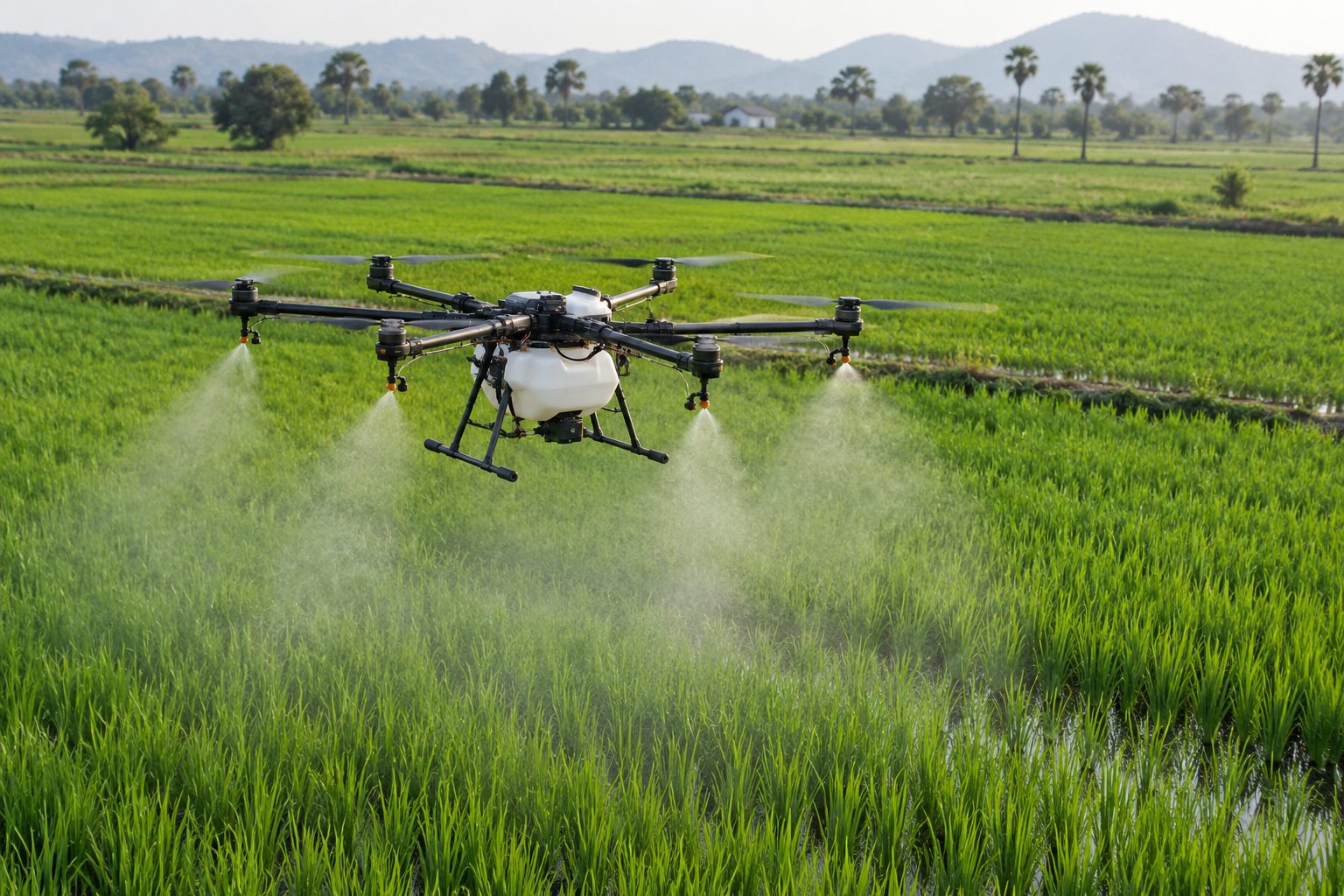
Illustrative image and sample data. Health and compliance are not verified.
FROM FILE TO FLIGHT RECORD
Bring the log. Review the evidence. Share a report that carries your identity.
Import the recorded file in the web workspace and associate the aircraft and battery pack.
Review route observations and available battery measurements. Missing or inconsistent data stays visible.
Prepare a branded report through Print / Save PDF, with CSV and evidence JSON available on the web.
Android supports battery QR and preflight workflows, shared flight summaries and opening web reports. Available data depends on the log; reports require operator review.
Explore the workflow →YOUR HARDWARE. ONE WORKSPACE.
Supported log imports and compatibility checks for the equipment your team uses. File import does not require a live connection to your aircraft.
Import supported flight and battery messages in your workspace. Available fields depend on the recorded log.
Supported file importImport supported MAVLink telemetry messages. Review timestamps and flight boundaries before exporting.
Supported file importArduPilot .bin logs use the DataFlash parser. Compatibility depends on the installed firmware and recorded messages.
Sample validation requiredPX4 .ulg imports summarize supported position, battery and actuator-arming topics. Diagnostic-only logs may have no route or battery data. Appended crash data is rejected for specialist review. Arming bounds are timing proxies; retain the original and validate your aircraft's logs.
Compatibility depends on formatSupported MAVLink .tlog files can be imported in your workspace. Other recording formats need separate validation.
Sample validation requiredVendor log samples are needed to confirm the format and available battery measurements.
Vendor validation pendingYOUR INDUSTRY. YOUR WORKFLOW.
Explore the operational context behind each mission.
Illustrative industry imageLOGSKIES FOR YOUR TEAM
Keep physical battery identities and preflight records organized across field teams and repeated spraying missions.
Pack health94%
Cell delta0.02 V
Cycles82
FROM PACK TO PAPERWORK
Try the sample workflow below. No real flight log is uploaded or processed.
Attach a waterproof QR label to each pack. Scan its identity before the mission.
Try this simulated preview, or import a real supported .bin or .tlog / .ulg in the dashboard.
Download a sample manifest, then preview company-branded reports in the workspace.
Download demo manifestDemo draft; official eGCA format verification pending.
YOUR COMPANY. YOUR RECORDS.
Your company logo, pilot details and flight evidence in one clear record pack. Review missing evidence before presenting a report for an audit.
Prepare branded reports →Readiness is reviewed, never assumed.
GROW WITH YOUR FLEET
EARLY ACCESS
Register drones and batteries, record preflights, import supported flight logs and prepare company-branded Flight Operations Reports.
Paid subscriptions are not open yet. Final pricing and plan limits will be published when billing is available.
Sign up →No payment is collected in the current early-access workflow.
THE KNOWLEDGE HUB
Practical introductions to battery records, telemetry and compliance evidence.
Identify each pack, preserve the load context, and review comparable observations.
Read guide →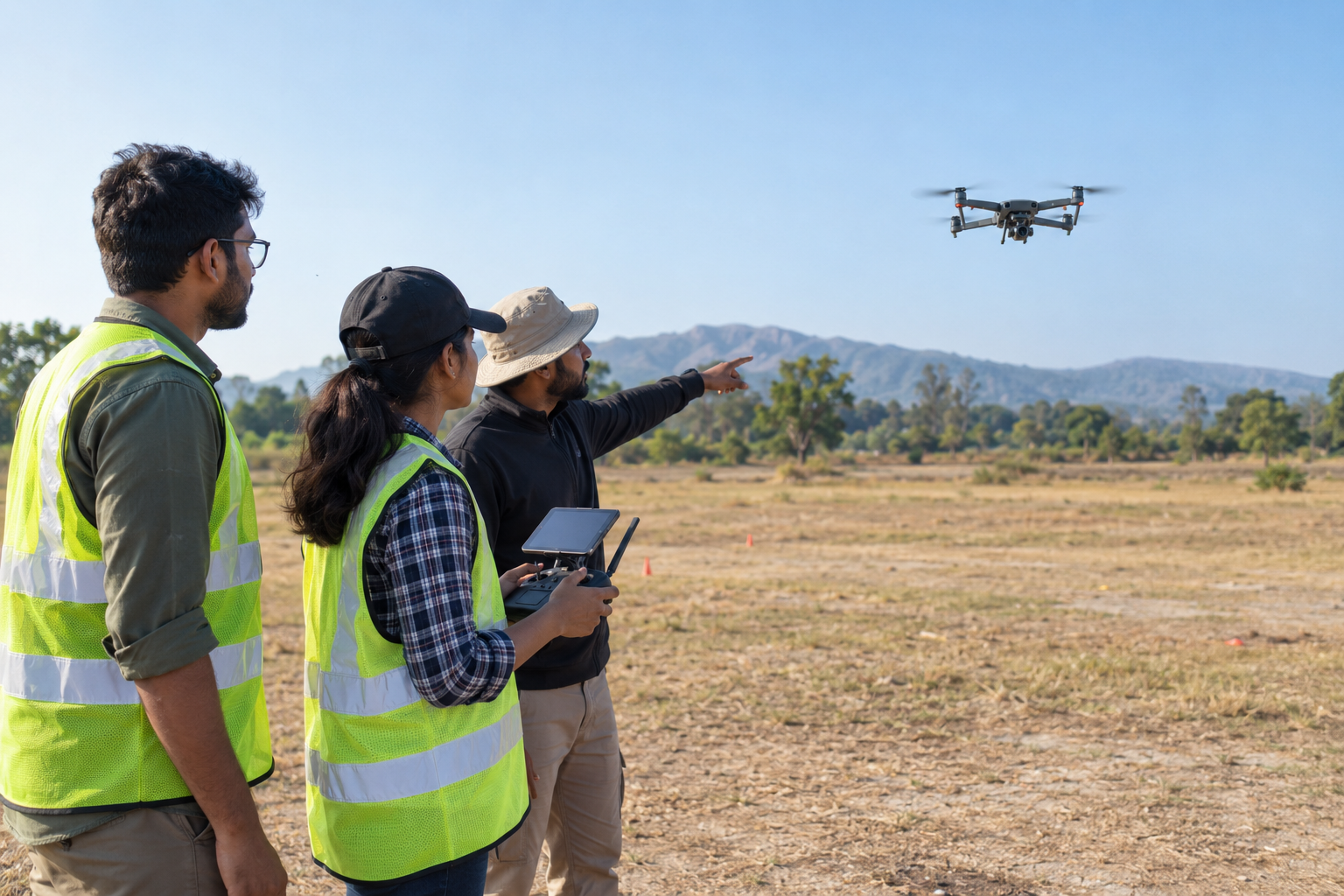
Bring pilot, aircraft and mission evidence together before preparing your submission.
Read guide →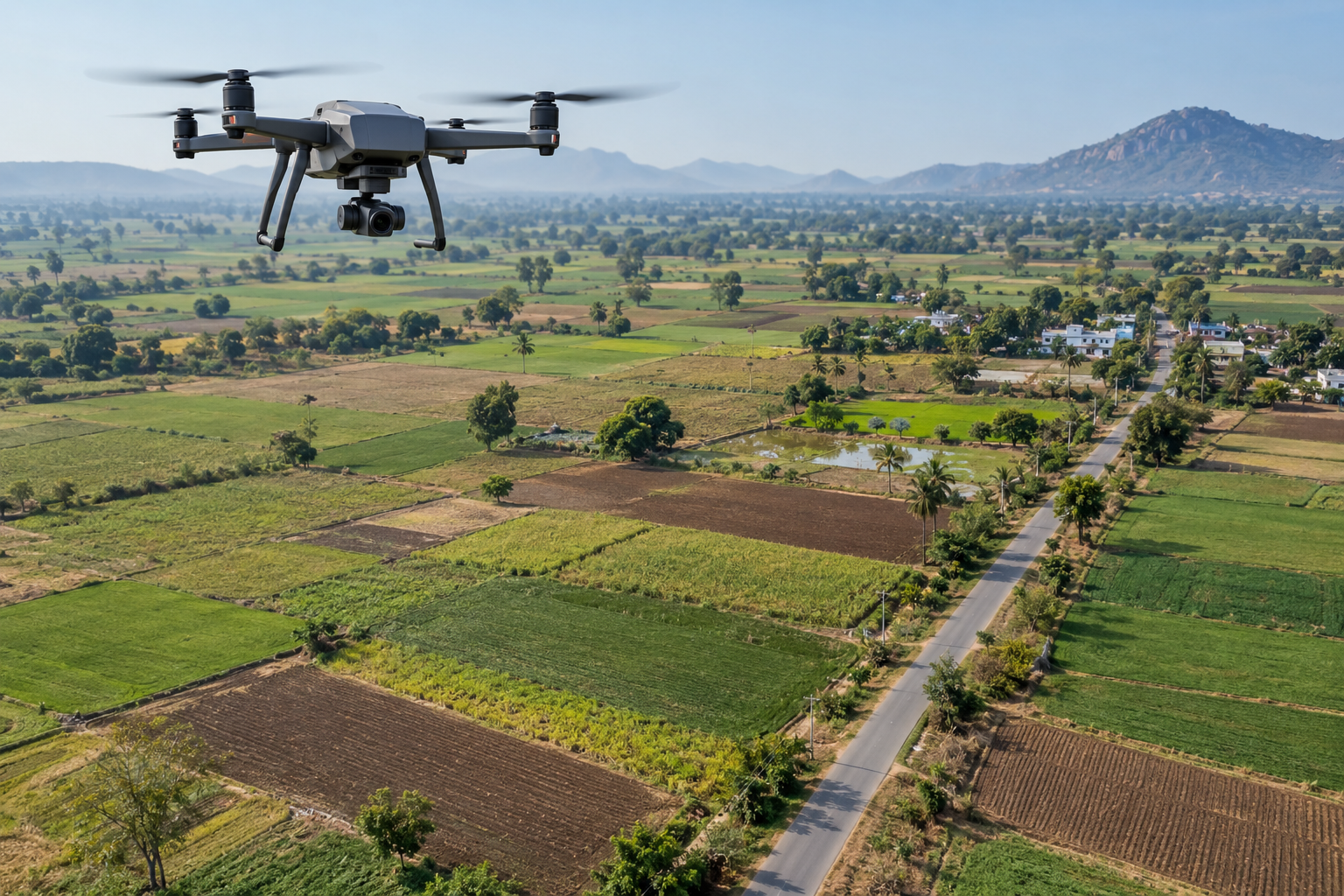
Find the onboard log and retain an original copy alongside your operational record.
Read guide →A FEW THINGS TO KNOW
Choose Sign up, enter your email and password or choose Google, then review and accept Terms and Conditions in step 2. Email signup sends a confirmation email. Email sign-in is available separately without repeating signup. Android Google uses the same second-step agreement; email account creation opens web signup.
Successfully imported originals are stored privately with your organization records. Authorized LogSkies project administrators can access them for technical validation and support. Other organizations cannot access them. Selecting a file that fails import does not save it for review. Upload only logs you have permission to share; a saved upload is not an automatic validation or approval.
No. While signed in on the website, Flight Reports opens your saved flight history and account buttons lead to My fleet. Import and review a log there to export its report. If you sign out or your session expires, sign in with your existing account. Android and a separate web browser have separate sessions; opening a web report from Android may require web sign-in.
Open Profile to manage your company name, report logo and up to five pilot profiles. Company creation appears only during first-time setup. Existing companies and pilot records are preserved; owners/admins can edit saved profiles. Android keeps company and pilot details under Profile in More.
Yes. On web, Add drone has a model dropdown, including your company’s existing model names. Choose Other / custom model to enter any unlisted aircraft. The saved model appears in the Android fleet too. Native fleet creation remains a web workflow. A model listing does not guarantee log-parser compatibility; record the aircraft UIN separately.
In the connected web workspace, use Company profile and Pilot profiles. Android version 1.0.2 adds Company & pilot profiles under More. Owners and admins can update the company name and add or edit pilot names, RPC numbers and expiry dates; other members can view them. Report logos are uploaded on web. Adding a pilot record does not create a login or invite a teammate. On web, select a pilot in a flight review to copy their details, then verify the original certificate and issue date before saving. Profiles are not credential verification. Company address, GST, contact fields and pilot invitations are not included yet.
Yes. Import a supported log in the web workspace and use Flight path & telemetry to replay or scrub the observed positions alongside battery readings. The coordinate map uses recorded GPS points without external satellite imagery. Gaps over five seconds break the plotted line and stale values become Unknown; positions are not interpolated. Relative altitude is not verified AGL. Android opens the web workspace for this view; native replay and 3D terrain are not included.
A supported log can provide route observations, timing evidence and recorded battery voltage, current or consumed capacity. Available fields depend on the aircraft and recording settings. Missing GPS, incomplete flight boundaries and inconsistent clocks limit what can be established; a log alone does not certify battery airworthiness, identify a crash cause or prove regulatory compliance.
Email [email protected] for help, privacy concerns or an account-deletion request. Kritika, Founder, is the privacy contact. Requests are handled manually with identity checks where needed. Organization-owned records may need an authorized organization's involvement. See the Privacy Policy and Terms; signing out does not delete hosted records.
Enter your account email on the sign-in screen and select Forgot password. Open the reset email in your browser, choose and confirm a new password, then use it on both web and Android. Current Android previews include this action; older APKs can use the website sign-in screen. Never share your password or reset link.
The redesigned Android preview uses Home, Fleet, Scan, Flights and More. Search drones and batteries in Fleet, then use Scan to choose a drone, scan or manually select a battery, review the association and save a preflight session online. Flights separates imported intervals from preflight sessions; More contains organization selection, reports, help and account actions. Fleet editing, log imports and full report review remain on web. Install the updated APK to receive the redesigned layout; phone validation is still required.
Create and confirm an account, create your organization, register batteries and drones, download battery QR labels, save preflight associations and upload your company logo. These records are stored in Supabase and persist after reload. The Android preview shares these records; sign-in, preflight sync and flight-history access have been checked on a test device. Owners and admins can import supported flight logs into private shared history, review evidence and export branded Flight Operations Reports.
Paid subscriptions are not open yet. You can use the current early-access workspace without entering payment details. Final plans and limits will be published when billing is available.
Payments and recurring subscriptions are not active in the current release.
The first release is online-only. Shared fleet data and preflight records require an internet connection; offline sync is not included yet.
No. Applicable airspace restrictions, permissions, pilot credentials and other requirements must also be checked. Some green-zone areas near airports have a lower vertical limit. Use official current information before flight.
Yes. Upload your organization’s logo in the workspace to include it in printable report headers. Current reports are drafts with visible evidence gaps.
Reports include parsed telemetry, company branding, source-file hashes and a pass/fail/pending evidence checklist. They remain drafts: official eGCA format acceptance, authoritative airspace information and operator evidence must be verified before a compliance claim.
The online workspace accepts ArduPilot .bin, supported MAVLink .tlog and PX4 .ulg files up to 50 MB. ULog imports summarize supported position/battery/arming topics; diagnostic-only files may have none. Unknown forensic topics remain in the original. Customer flight logs still need validation.
No. Check the official DigitalSky map before flight, including the full intended route, vertical limits and temporary restrictions. Record the check time, source and permission evidence. Yellow requires ATC permission; red requires Central Government permission. A general green-zone ceiling is 120 m, with a 60 m green-zone limit in the 8–12 km operational-airport band. Uploaded regional maps are evidence, not a live authoritative feed.
No. For covered occurrences, the 2025 investigation rules require notification as soon as reasonably practicable, no later than 24 hours after awareness. Accidents/serious incidents in India also require local authority information. Drone Rules separately specify accident reporting within 48 hours of occurrence. Verify applicability and official channels, notify promptly without waiting for a complete report, and retain receipts. LogSkies stores operator-entered classification, notification evidence and supporting files; it does not submit notifications or determine the official classification.
In the online workspace, original logs and imported reviews are saved privately in Supabase for your organization. Parsing runs on your device. The Android app can show shared flight summaries; Android preview sign-in, preflight sync, flight history and opening web reports have been checked on a test device. Camera scanning, session/logout and network-failure checks remain pending. Retain original logs and export backups.
No. Capacity and voltage-sag scores require sufficient measurements, a qualified discharge and comparable baseline conditions. Missing evidence leaves health unassessed. A QR scan identifies the pack; it does not measure battery health.
A complete parsed interval can match one unused preflight for the same aircraft within 30 minutes. Missing or ambiguous matches require the pilot to select the physical pack. Review arming intervals against actual takeoff and landing.
Import a flight in the online workspace, upload your company logo and review the flight evidence. Use Print / Save PDF, flight CSV or evidence JSON. Reports include operator signature spaces and remain subject to review; no DGCA approval or eGCA ingestion is claimed.
YOUR NEXT MISSION STARTS HERE
Explore the workflow, from a physical battery to a branded report.